The short answer
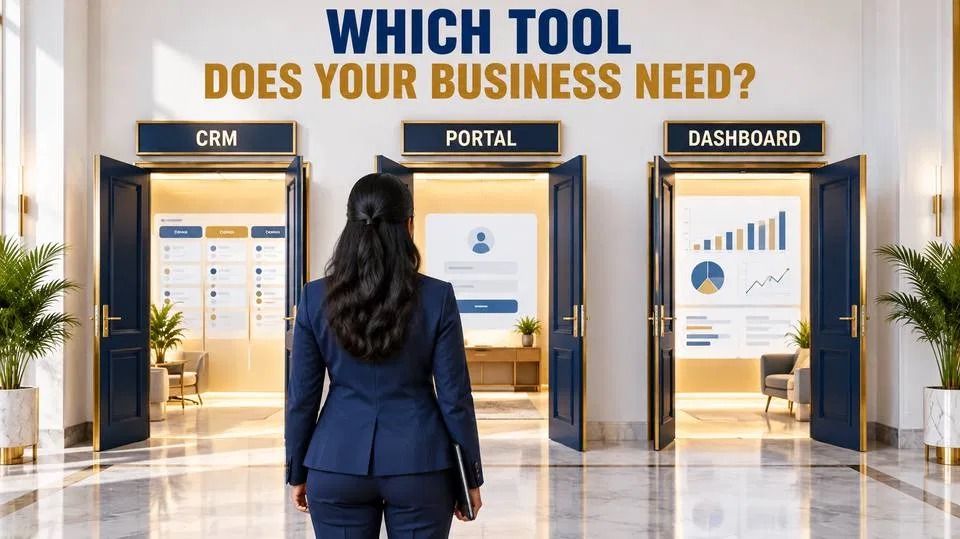
These three terms get mixed up constantly, often by the people selling them. The clearest way to separate them is by who uses it and what they do in it:
- CRM (customer relationship management): your sales and service team uses it to record leads, customers, calls, follow-ups and deals.
- Client portal: your customers log in to see their own information (orders, project status, documents, invoices, tickets) and take actions without calling you.
- Dashboard: managers and owners use it to see key numbers from one or more systems at a glance.
Start with the user and the action, not the software category. "Our dealers keep calling to ask about dispatch status" points to a portal. "Our sales team forgets to follow up" points to a CRM. "I spend Sunday building the weekly sales sheet" points to a dashboard.
Side-by-side comparison
| CRM | Client portal | Dashboard | |
|---|---|---|---|
| Purpose | Manage leads, customers and follow-ups | Give customers self-service access to their own information | Show key numbers and trends |
| Main users | Sales, support and account teams | Your clients, dealers or partners | Owners, managers, team leads |
| Data | Contacts, companies, deals, activities, notes | That client's orders, projects, files, invoices, tickets | Summaries pulled from CRM, accounts, website, operations |
| Login | Staff accounts with roles | One account per client, sees only their data | Staff accounts, often view-only |
| Typical features | Pipelines, reminders, email and WhatsApp logging, quotes | Status tracking, downloads, uploads, approvals, payments | Charts, filters, alerts, drill-down |
| Off-the-shelf options | Zoho CRM, HubSpot, LeadSquared, Salesforce | CRM portal add-ons, project tools with client access | Looker Studio, Power BI, Zoho Analytics |
| Custom build cost (estimate, India) | ₹3,00,000–₹10,00,000+ | ₹2,00,000–₹10,00,000 | ₹1,00,000–₹5,00,000 |
| Custom build time | 10–20 weeks | 6–16 weeks | 4–10 weeks |
Custom costs are estimates for 2026, excluding GST. Off-the-shelf tools are billed per user per month and are often far cheaper to start with.
What is a client dashboard?
A client dashboard is a dashboard your customers see, not your team. Each client logs in and sees numbers about their own account: the leads their campaign produced, the status of their project, the orders placed this month or the hours used against a retainer.
It sits between the two tools above. Like a client portal, it needs a login and must show each client only their own data. Like a dashboard, its job is to show a few numbers clearly rather than to let people do tasks.
Agencies, consultants, accountants, logistics firms and B2B suppliers use client dashboards most. A typical one shows:
- Five to eight headline numbers for the selected period, compared with the previous period
- A trend chart for the most important number
- A short list of what changed and what happens next
- A download button for the full report as PDF or CSV
Client portal vs analytics dashboard
People searching for a "client portal analytics dashboard" usually want both in one login. The difference is what the client does there.
| Client portal | Client analytics dashboard | |
|---|---|---|
| Client's main action | Do something: download, upload, approve, pay, request | See something: results, progress, trends |
| Typical screens | Orders, documents, invoices, tickets, messages | Charts, KPIs, period comparisons, report downloads |
| Data comes from | Your operations: orders, files, billing | Your CRM, analytics, ad accounts, accounts or ERP |
| Update frequency | Real time, when a record changes | Hourly or daily is usually enough |
| Hardest part to build | Permissions and secure document access | Clean, reliable data from several sources |
Many businesses start with a portal and add an analytics tab later, or the other way round. Either way, plan the permissions once: the same rule ("this client sees only their records") protects both.
If all you need is to share a report, a shared Looker Studio or Power BI report may be enough. Build a custom client dashboard when clients need a branded login, data from several systems, or numbers that off-the-shelf tools cannot calculate.
Three industry examples
A clinic: patient portal
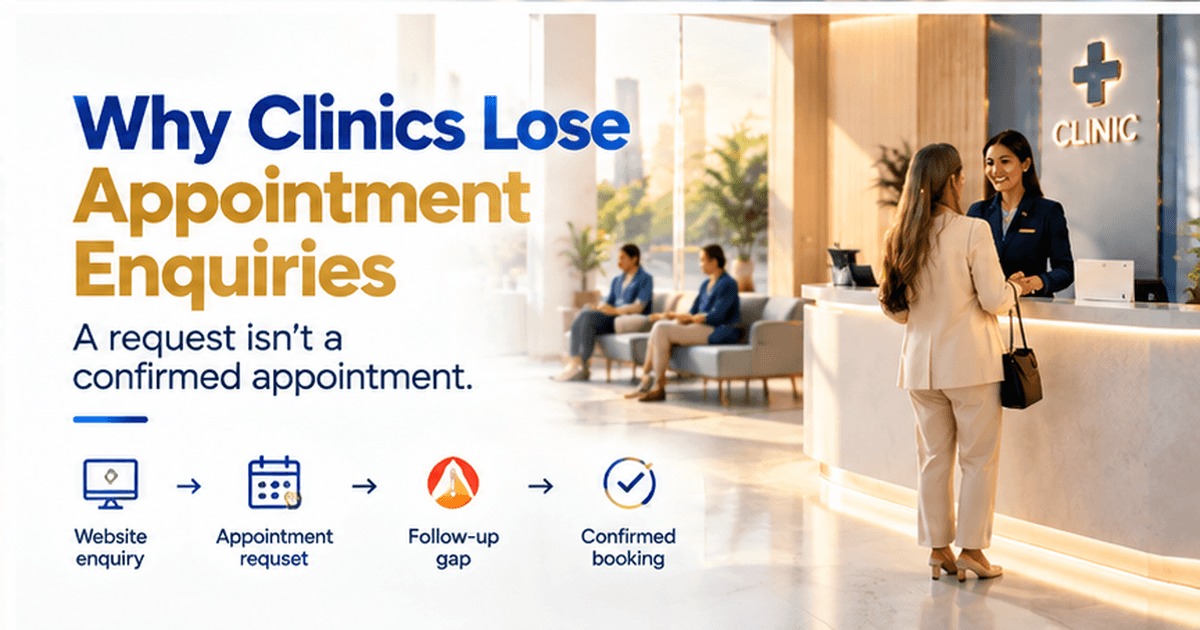
A multi-doctor clinic in Mumbai gets dozens of calls a day asking for lab reports and appointment times. A patient portal lets patients log in with their mobile number and OTP, see upcoming appointments, download reports and prescriptions, and request a reschedule. Front-desk calls drop and patients get answers at 11 pm. Health data needs careful handling: strong access control, audit logs and consent, in line with India's Digital Personal Data Protection Act.
A manufacturer: B2B order portal
An industrial fastener manufacturer supplies 150 distributors. Orders arrive by phone, email and WhatsApp, and every distributor has its own price list. A B2B order portal lets each distributor log in, see their prices and credit limit, place repeat orders, track dispatch and download invoices. The internal team gets an approval screen and a daily export for Tally. This is the clearest case for a custom build, because pricing and approval rules are specific to the business.
A real-estate developer: sales CRM
A developer selling flats across two projects gets leads from its website, property portals, Facebook ads and walk-ins. Leads are scattered across Excel sheets and sales executives' phones. A sales CRM captures every lead automatically, assigns it to an executive, schedules site-visit follow-ups and shows which source produces bookings. Here an off-the-shelf CRM (LeadSquared, Zoho or a real-estate-specific tool) is usually the right first step, with a small custom integration from the website forms.
Buy SaaS or build custom?
| Question | If yes, lean towards |
|---|---|
| Does a mainstream tool fit 80% of your process without awkward workarounds? | Buy SaaS |
| Do you need to start this month with a small budget? | Buy SaaS |
| Is your process (pricing, approvals, workflow) a real advantage over competitors? | Build custom |
| Do clients need to see data from several systems in one place? | Build custom portal |
| Are per-user subscription costs heading above ₹2–3 lakh a year? | Compare with owning a custom build |
| Do you need full control of data location and access for compliance? | Build custom, or an enterprise SaaS plan |
Rough cost comparison
As an indication, popular CRMs charge per user per month: free tiers exist for very small teams, mainstream plans for Indian SMEs often run from a few hundred to a couple of thousand rupees per user per month, and enterprise plans much more. Check current prices on each vendor's site because they change often. For a team of 10, a SaaS CRM might cost ₹50,000–₹2,50,000 a year, against a custom build of ₹3,00,000–₹10,00,000 upfront plus support. SaaS is almost always the right starting point for a standard sales CRM. A custom portal or dashboard is often the better buy, because those are harder to get right off the shelf.
A common, cost-effective pattern: buy the CRM, build the portal, connect them. The CRM remains your team's system; a custom portal shows customers what they need from it.
How they connect: one example flow
In a well-joined-up setup, each tool does its own job and passes data to the next:
- A visitor fills in the enquiry form on your website.
- The enquiry is created automatically in the CRM and assigned to a salesperson, who follows up and converts it.
- Once they become a customer, they get a login to the client portal, where they see their orders, documents and invoices.
- The dashboard pulls numbers from the website analytics, CRM and accounts, and shows managers enquiries, conversion rate, revenue and overdue tasks each morning.
You do not need all four on day one. Most businesses start with steps 1 and 2, then add the portal or dashboard when manual work makes the case.
Questions to ask before buying a CRM
- Can it capture leads from our website forms, WhatsApp and the portals we use, automatically?
- Does it work well on a phone for staff in the field?
- Can we customise stages to match how we actually sell?
- What does it cost at 2x our current team size?
- Can we export all our data in a standard format if we leave?
- Is support available in our time zone, and where is the data hosted?
How to decide in four steps
- List the users (sales team, customers, dealers, managers) and the one thing each needs to do faster.
- Count the cost of the current way: hours spent, calls answered, mistakes made each month.
- Try an off-the-shelf tool with your real data for two weeks.
- Build only the gap the tool cannot cover, starting with the smallest useful version.
If you are still deciding between a better website and an application, read custom web application or normal website?. If leads from your website are the starting point, tracking website enquiries properly comes before any CRM.
Next step
Tell us who needs to see or do what, and we will recommend the simplest combination of CRM, portal and dashboard, including when an existing tool is enough. Start a conversation or see our custom web development service.