The short answer
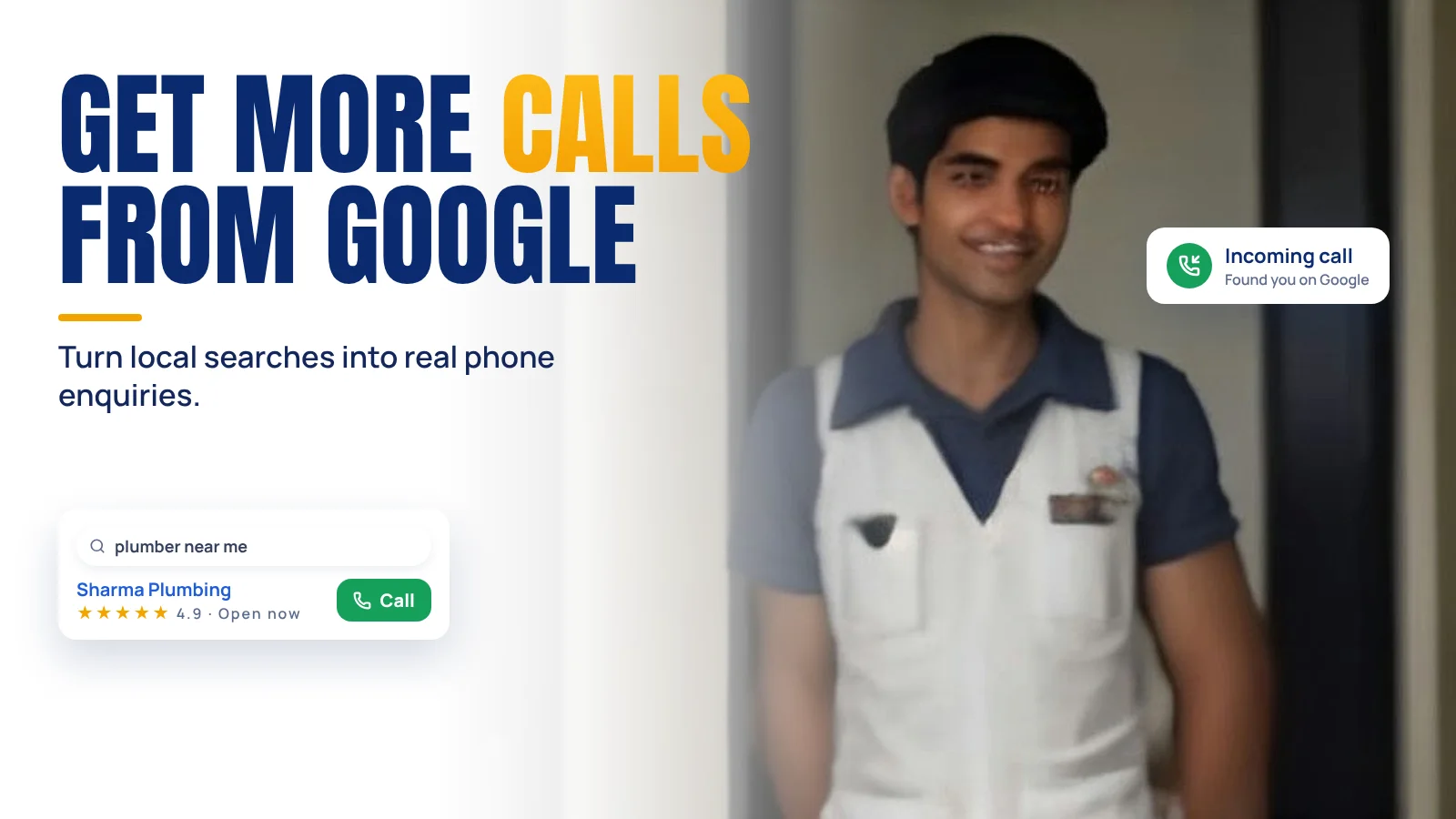
For a local business, a phone call is often the best lead there is: the customer is nearby, ready and wants to talk. Most of those calls start on Google, in the map results or on your Google Business Profile, not on page one of the normal results.
Getting more calls comes down to two things: being visible when nearby customers search, and making it effortless to call once they find you. This guide covers both, step by step, with the free tools you already have.
Where local calls come from
| Where the customer finds you | How they call | What drives it |
|---|---|---|
| Google Maps and the local pack (top 3 map results) | "Call" button on your Business Profile | Category, proximity, reviews, profile completeness |
| Your Business Profile in a brand search | "Call" button | Accurate details, reviews, photos |
| Your website from Google search | Click-to-call link or WhatsApp | Service pages that match searches, mobile layout |
| Google Ads | Call extensions, call ads | Budget, relevance, landing page |
| Directories (Justdial, Sulekha, IndiaMART) | Listing phone number | Consistent details, reviews on those sites |
Step 1: Make your Google Business Profile work for calls
Your profile is usually the single biggest source of local calls. Work through this list:
- Primary category: choose the most specific one ("Plumber", "Dental clinic", "AC repair service"), not a broad one. Add relevant secondary categories.
- Phone number: a number that is answered during listed hours. Use a mobile number customers can also WhatsApp if that is how you work.
- Hours: accurate, including holiday hours. "Open now" is a strong reason to call.
- Services: list each service with a short description and, where you can, a starting price.
- Service area or address: set honestly. If you serve several cities from one office, follow local search for service-area businesses.
- Photos: your team, vehicles, premises and finished work. Profiles with real photos look more trustworthy than empty ones.
- Posts: a short update every week or two about an offer, a recent job or a seasonal tip.
- Questions and answers: add and answer the questions people ask on the phone.
Step 2: Earn reviews every week, not once a year
Reviews affect both where you appear and whether people call. Build a simple habit:
- Ask every satisfied customer, right after the job, with a direct review link sent on WhatsApp.
- Suggest they mention the service and area ("AC servicing in Powai, technician was on time").
- Reply to every review, good or bad, within a few days. A calm, helpful reply to a complaint wins future customers.
- Never buy reviews, write them yourself or offer rewards for them; it breaks Google's policies and can get the profile suspended.
Step 3: Make calling effortless on your website
Many people check your website before they call. If the number is hard to find, they call someone else.
- Put a tappable phone number (tel: link) and a WhatsApp button in the header on mobile.
- Add a sticky Call / WhatsApp bar at the bottom of the screen on mobile; see how to improve mobile experience without rebuilding.
- Show your hours next to the number, so people know someone will answer.
- Make sure every WhatsApp link includes the 91 country code.
- Create a page for each main service, with a clear headline, price range, area served and the phone number repeated.
- Test your homepage with the 10-second checklist.
Step 4: Answer the phone, every time
More visibility is wasted if calls go unanswered. Small fixes make a big difference:
- Forward calls to a second person when the first is busy.
- Use a missed-call alert and call back within 15 minutes.
- Set a WhatsApp Business auto-reply for after-hours messages.
- Keep a simple script: greet with the business name, ask the area and need, give a clear next step.
Step 5: Track calls so you know what works
| Source | How to track | What to look at monthly |
|---|---|---|
| Google Business Profile | Performance report in the profile | Calls, direction requests, website clicks |
| Website | GA4 event on tel: and WhatsApp clicks | Calls by page and by traffic source |
| Google Ads | Call extensions and call conversion tracking | Cost per call, call length |
| All channels | Ask "How did you find us?" on every call | Real customers by source |
Our guide to tracking website enquiries covers the event setup in detail.
A 30-day plan
| Week | Focus | Tasks |
|---|---|---|
| 1 | Profile | Fix category, hours, services, photos and description |
| 2 | Reviews | Set up a review link; ask the last 20 customers; reply to all existing reviews |
| 3 | Website | Add click-to-call and WhatsApp in the mobile header, sticky call bar, service pages |
| 4 | Tracking | Set up call events, note sources on every call, review the first month's numbers |
An illustrative before and after
Here is the kind of change a small service business can see when the basics are fixed. The figures are an illustrative example of a pest control business in Thane, not a client result:
| Measure (per month) | Before | After 3 months |
|---|---|---|
| Primary category | "Service establishment" | "Pest control service" |
| Reviews | 11, newest 14 months old | 63, several every week |
| Profile photos | 1 logo | 40 real job and team photos |
| Mobile header | No phone number | Call and WhatsApp buttons |
| Calls from Business Profile | ~25 | ~70 |
| Calls from website | ~8 | ~30 |
None of the changes cost money. They took a few hours of setup and fifteen minutes a week to keep going.
When to add Google Ads
Organic local visibility takes weeks to build. Ads can fill the gap, especially call-focused campaigns and, where available for your category, Local Services Ads. Add them once your profile, reviews and landing page are strong; otherwise you pay for clicks that do not turn into calls. Start with a small daily budget, track cost per call, and keep only the campaigns that bring customers.
Common mistakes that cost calls
- A primary category that is too broad, or wrong.
- Old hours, so the profile shows "Closed" when you are open.
- A landline nobody answers after 6 pm.
- A phone number only in the website footer.
- Asking for reviews once, then never again.
- Keyword-stuffing the business name ("Best Plumber Mumbai Cheap"), which risks suspension.
Next step
Work through the 30-day plan, or get a free local call audit and we will tell you which steps matter most for your business. For ongoing help, see our Local SEO service.